Five README export types
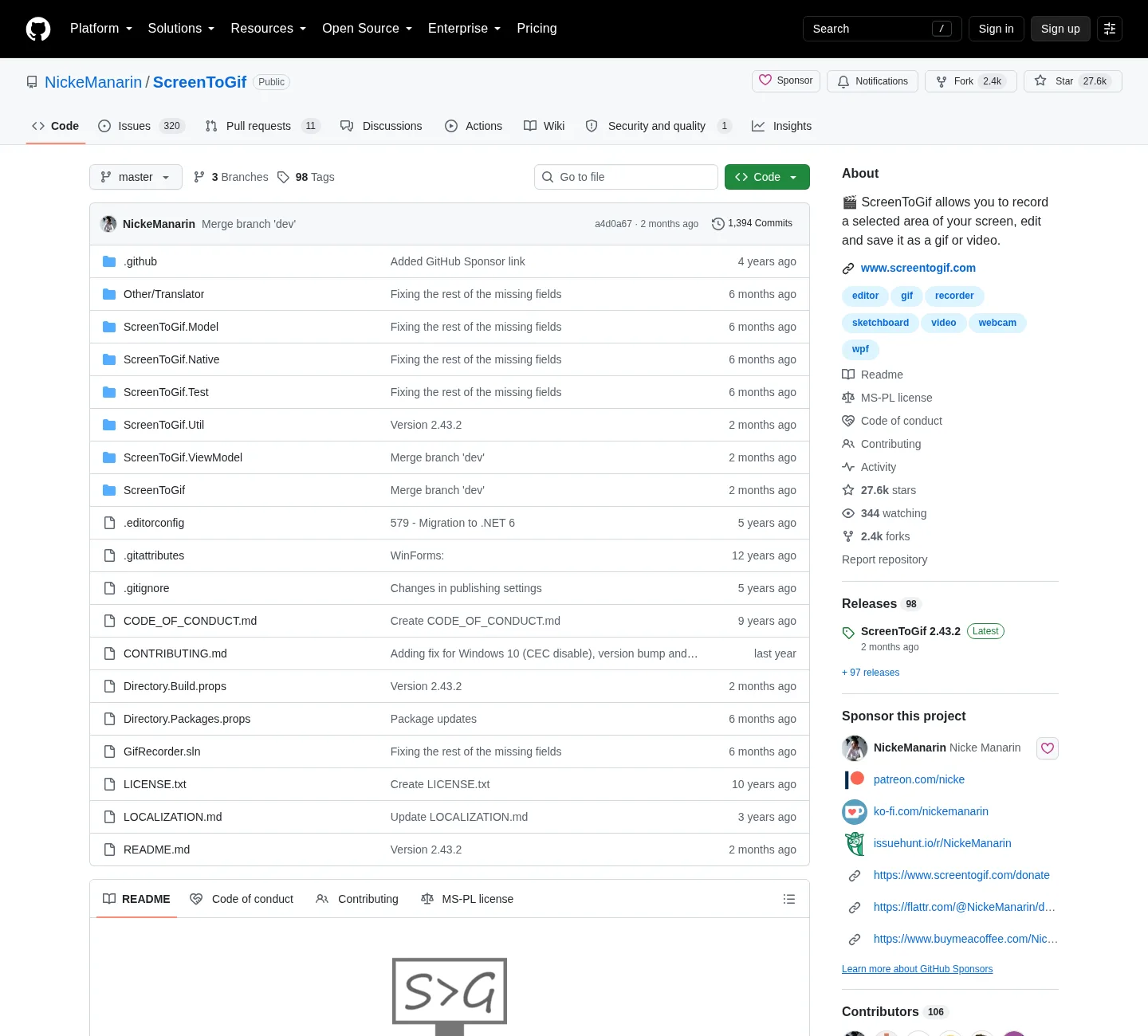
ScreenToGif records, then edits, then saves. README names gif, apng, video, psd, and png. Wiki export notes add a ScreenToGif project file and exporting selected frames as images. Gif is the daily loop. Apng is an animated PNG with better color than a 256-color gif. Video is MP4 or WebM once FFmpeg is present. PSD and PNG are stills or a Photoshop-style document of frames.
Install:
winget install -e --id NickeManarin.ScreenToGifRelated: record on Windows, FFmpeg guide, make a gif, guides.
Gif versus APNG
Gif is old, widely supported, and capped at 256 colors per frame. Apng is PNG plus extra frames. Wiki apng notes describe better image quality compared with gif. Use gif when the destination is chat, email, or a site that only accepts gif. Use apng when the destination understands it and you care about color. If a browser does not animate the apng, that is a viewer limit, not a failed export.
You do not need FFmpeg for either of those two. Save from the editor, pick the type, pick a folder, confirm playback.
Video needs FFmpeg
Wiki video notes describe a system AVI encoder and an FFmpeg encoder. Prefer FFmpeg for MP4 and WebM. Current ScreenToGif notes mention FFmpeg 7 and newer. Point Options, Extras at ffmpeg.exe from a recognized FFmpeg Windows build. Details: FFmpeg guide.
Import is the reverse: copy a video to the PC, then open it after FFmpeg is configured. Phone recordings belong on the Windows disk. The README does not list an Android installer.
| Format | FFmpeg | Use it when |
|---|---|---|
| Gif | No | Widest playback for a short loop |
| Apng | No | Better color, destination supports apng |
| Video (FFmpeg) | Yes, 7 and newer | MP4 or WebM |
| System AVI | Wiki system encoder | Only if you still need AVI |
| PSD | No | Frames as a Photoshop-style file |
| PNG frames | No | Stills of selected frames |
| Project file | No | Keep editing later in ScreenToGif |
| Account | None | Local folder you pick |
Browser encoders remain a different job: vs EZGIF, switch from browser gif tools. Convert an existing file: gif converter. Resize after export: gif resizer.
Pick a folder, not a random Desktop dump
Save to a folder you named. Desktop next to extra unsigned gif-maker exes is how files get lost. Keep one official ScreenToGif install: download safely, is this gif maker safe. Portable versus setup: portable or setup. Light versus full: light or full.
No login. Exports are ordinary files on the disk you chose. Delete them if you want them gone. The README does not describe a cloud vault.
Runtime and architecture still matter
.NET 9 Desktop Runtime or above must be present before you even record. Match x64, x86, or Arm64 for the gif maker, the runtime, and FFmpeg. Install: install on Windows. Winget: how to install winget. Windows cluster: open source gif maker on Windows; releases: gif maker releases; github: open source gif maker on GitHub. App Installer: Microsoft App Installer. Webcam takes export the same way: webcam guide.
ShareX and LICEcap have their own save paths: vs ShareX, vs LICEcap. Do not expect a ShareX workflow or a LICEcap project to open here.
After a successful export
Play the file. If gif is huge, recapture a smaller region rather than only shrinking later. If video fails, fix FFmpeg first. If apng looks static, try a player that supports apng; product home: screentogif.com; license: MS-PL; issues: ScreenToGif issues; wiki: ScreenToGif wiki. Store listing 9N3SQK8PDS8G is supporting. Chocolatey package screentogif is supporting; this computer: gif maker on Windows. Move off the tab: move off web encoders; home: gif maker.
README asks people not to sell the app as theirs. Stay on NickeManarin/ScreenToGif for the bytes. Kap is a macOS recorder, not an export path on Windows.
Export steps:
- Capture screen, webcam, or sketchboard, or import a video after FFmpeg is present.
- Trim the start and end in the editor so the export is only the action you need.
- Save gif or apng without FFmpeg, or pick video after
ffmpeg.exeis configured. - Choose a folder you control on the PC and confirm the file plays.
Color, size, and when gif is the wrong type
Gif is 256 colors per frame. Photographic webcam faces often look better as video. UI captures and sketchboard drawings often stay readable as gif or APNG. File size grows with region, duration, and frame rate. Stop sooner. Delete junk frames in the editor before you export. Recapture smaller. Do not invent a bitrate the README does not print.
If the receiver cannot play APNG, export gif or video. If the receiver wants MP4, add FFmpeg 7. If the job is stills for a ticket, export PNG frames. Keep one official install so you are not exporting from a wrapper exe on the Desktop. Safe fetch: download-safe.
License, extra copies, and FFmpeg extras
ScreenToGif is Microsoft Public License (Ms-PL). No account is required. Exports stay in the folder you pick. Skip Softonic and CNET wrappers. Keep one official copy; extra Desktop exes do not add APNG.
Gif and APNG do not need FFmpeg. MP4 and WebM do. Current release notes mention exporting and importing videos with FFmpeg 7. Download FFmpeg from inside the app. Do not paste random encoder flags.
The README requires .NET 9 Desktop Runtime or above. Full setup MSI bundles it. Light files expect it on the PC. Match x64, x86, or Arm64 on the current GitHub tag. Files: gif maker releases. Source: gif maker on GitHub. Safe download: download a gif maker safely.
Webcam and sketchboard takes use the same export list as screen recordings. Phone video copies to Windows first. There is no Android installer and no Mac installer on this GitHub tag. LICEcap publishes its own Mac build on Cockos. Kap is a separate macOS recorder.
Microsoft Store product id 9N3SQK8PDS8G is a supporting README path. Chocolatey is listed; the README does not print a Chocolatey command; issues: NickeManarin/ScreenToGif issues; wiki: ScreenToGif wiki; license: LICENSE.txt; more notes: guides.
Frequently asked questions
Can this gif maker export APNG or video?
Yes. The README names gif, apng, video, psd, and png. Apng is an animated PNG. Video uses FFmpeg 7 and newer; related: FFmpeg guide.
Do I need FFmpeg to export a gif?
No. A gif export can save without FFmpeg. Some gif encoders inside the editor can still call FFmpeg if you choose them. The daily gif path does not require that extra encoder.
Where do exported gif maker files go?
Where you save them. Pick a folder on the PC. There is no required cloud destination in the README. Keep that folder as the place new exports land. Resize later: gif resizer.
Can I export PNG frames or a PSD?
Yes. README names psd and png. Wiki export notes also mention saving selected frames as images and saving a ScreenToGif project to keep working later. Use those when you need stills or a project file.
How do I install a gif maker before I export?
Run winget install -e --id NickeManarin.ScreenToGif or take the x64 setup MSI from GitHub Releases, then record and export a gif, APNG, or video. Install: install on Windows.